
Track shows & movies.
Keep your progress.
Save shows and movies to watchlists, mark what you've watched, and follow upcoming air dates. Watch with your own services; record your progress here in IchnosTV.
- No ads
- Saved tracking data works offline
- No account required
Your watchlists. Your watched progress.
Save TV shows and movies, log what you've watched, and plan around air dates. No social feed.
Log what you've watched
Mark episodes, whole seasons, and movies as watched. See your progress and keep a record of what you've seen.
Organize TV & movies
Save titles to your watchlists. Find the next unwatched episode or review the movies you still want to see.
Follow upcoming air dates
The Upcoming list and calendar show dates for tracked episodes and upcoming movie releases.
Keep your library local
Your tracking library starts on your device. Optionally sync a private copy to your own cloud storage.
No account required
Start tracking without signing in. Cloud connections are optional and use an account you already have.
Bring your TV Time history
Import your watch history from the data export you receive through TV Time's GDPR request process.
See how tracking works
TV and movie watchlists, watched progress, and air dates. Provider information refers to other services; video links open YouTube.


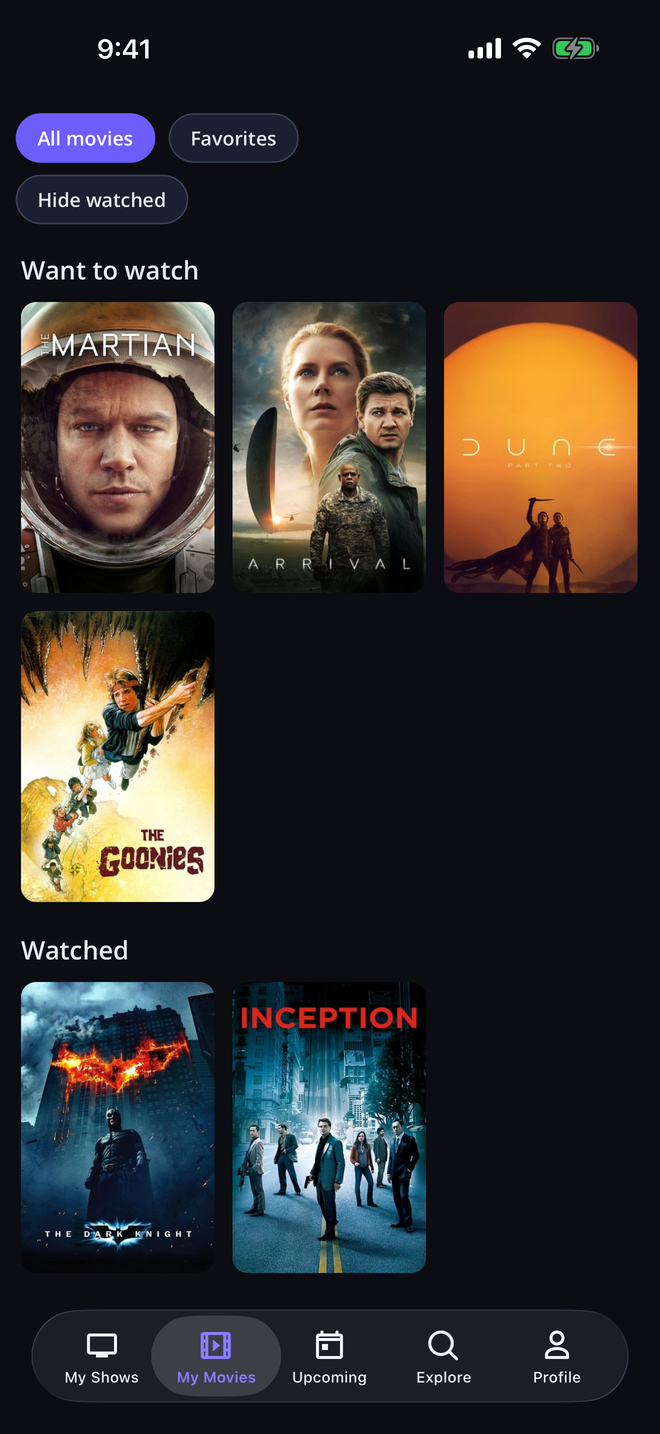
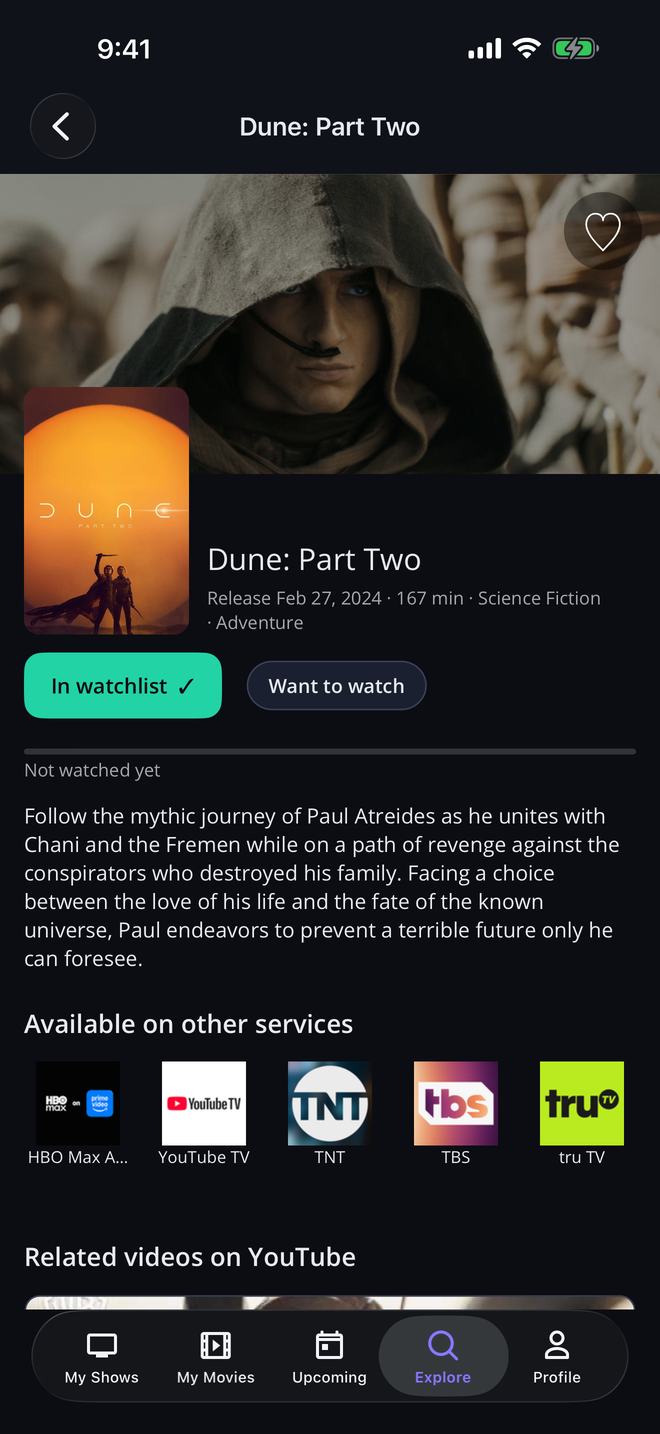
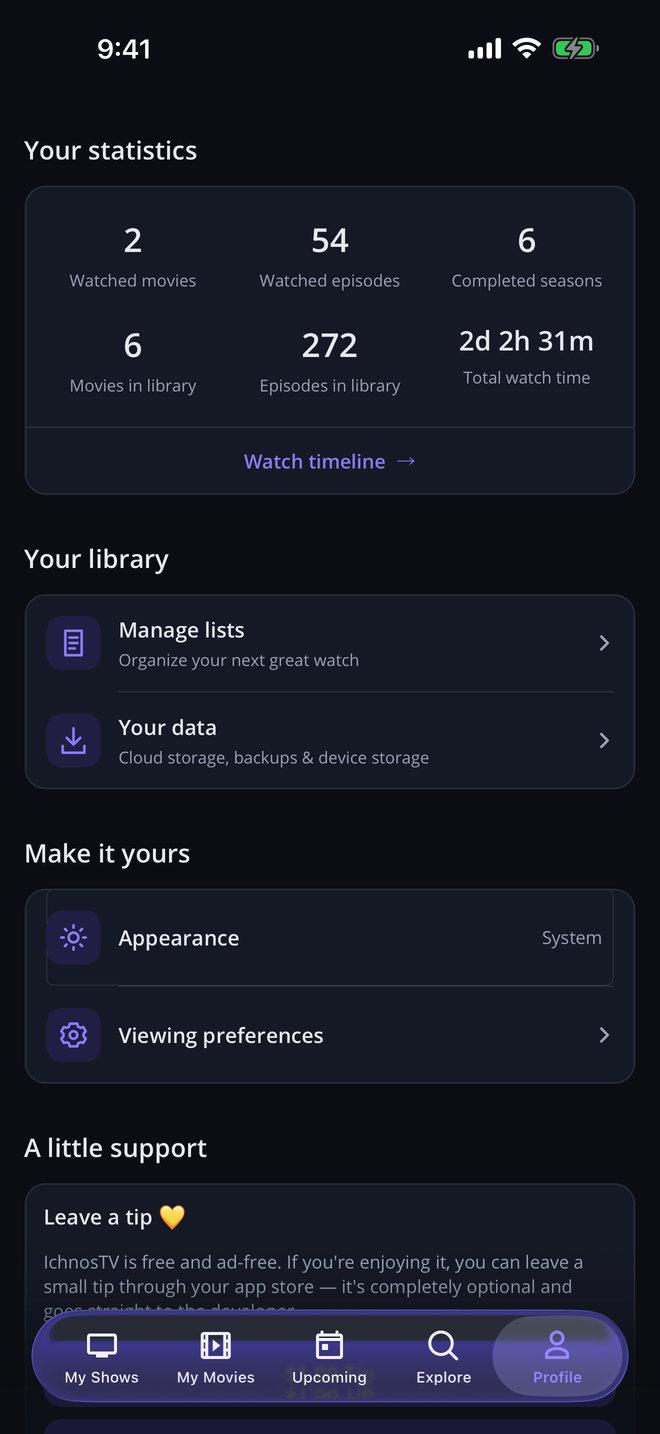
Up and running in seconds
No sign-up forms. No new password. No waiting.
-
1
Start locally
Your library is ready on your device immediately. No account or sign-in is required.
-
2
Save shows & movies
Search for titles and add them to your watchlists. Discovery needs an internet connection.
-
3
Mark what you've watched
Log watched episodes and movies, then check the calendar for upcoming air dates.
Your library starts on your device.
Track shows and movies without an IchnosTV account. Your library stays local unless you enable sync, which stores a private copy in cloud storage you own, not a developer-operated library database.
No ads or selling your data. The app sends crash reports and usage diagnostics to Microsoft Azure Application Insights to help us improve it. See our Privacy Policy for details.
Optional cloud sync
iCloud or OneDrive on iPhone and iPad; Google Drive or OneDrive on Android.
No library on our servers
We do not store your tracking library. Diagnostics are separate from your saved shows and movies.
Track saved titles offline
Use saved tracking data and cached details offline. Discovery, fresh metadata, and sync need a connection.
Powered by TMDB
TV and movie information and artwork from The Movie Database. Availability from JustWatch via TMDB.
Questions, answered
Is IchnosTV free?
Yes — IchnosTV is free to download and use. Optional tips support development and unlock no features or media access.
Can I watch shows or movies in IchnosTV?
No. IchnosTV tracks watchlists, watched progress, and air dates; it does not stream or download full episodes or movies. Provider logos show availability on other services, not playback controls or included access. Those services may require their own account or payment. Related-video links open YouTube outside the app.
Where is my tracking library stored?
On your device. If you enable sync, a private copy is stored in your own supported cloud storage. We do not store your library. Crash and usage diagnostics are handled separately, as described in our Privacy Policy.
Do I need to create an account?
No. The app and your local library work without signing in. Connecting a cloud provider is optional and only enables backup and sync.
Which cloud can I sync with?
On iPhone and iPad: iCloud or OneDrive. On Android: Google Drive or OneDrive. Your library stays local; your choice determines where its private sync copy lives.
Can I use it on more than one device?
Yes. Enable optional sync with the same supported cloud storage on each device to share your tracking library.
Can I import my TV Time watch history?
Yes. You can import the data file TV Time provides when you request an export through its GDPR process.
Where does the TV and movie information come from?
TV show, season, episode, and movie information, cast, creators, and artwork come from The Movie Database (TMDB). Availability information is supplied by JustWatch via TMDB and depends on your region.
Available now on iPhone and iPad
Your TV and movie watchlists. Your watched progress. Your air-date calendar. Coming soon to Android.